TL;DR
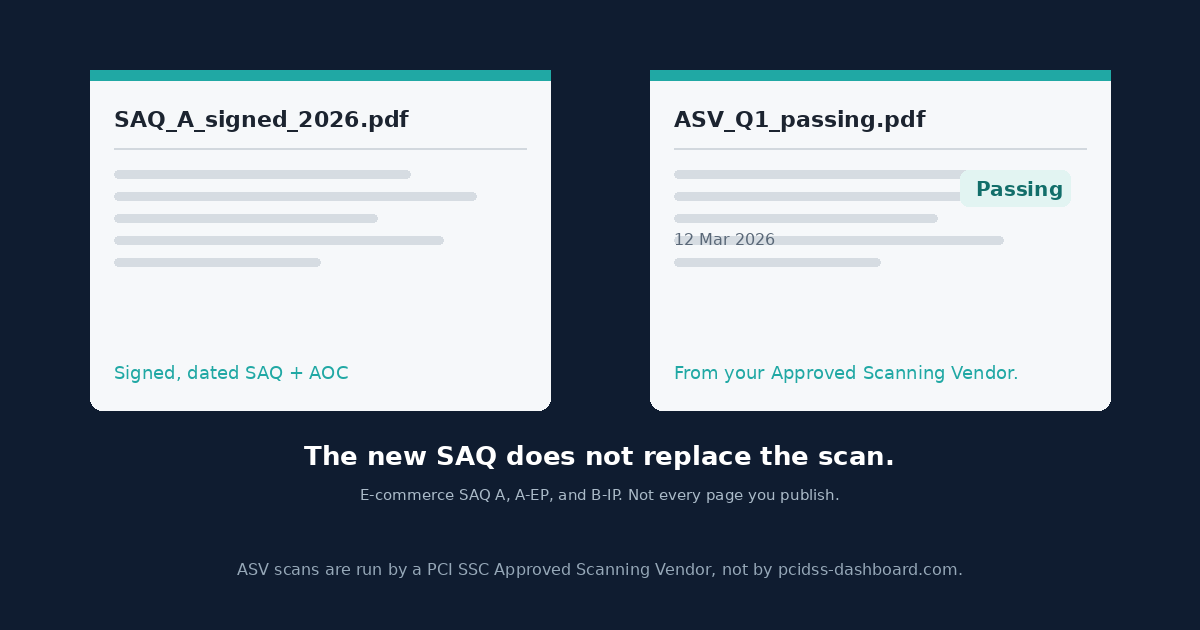
A new signed SAQ is not a scan report. Requirement 11.3.2 asks for external vulnerability scans at least once every three months, by a PCI SSC Approved Scanning Vendor (ASV), until the result is a passing scan under the ASV Program Guide, with rescans when it is not. That line applies where the SAQ includes it, including e-commerce SAQ A, SAQ A-EP, and SAQ B-IP. B-IP is not an e-commerce channel. PCI DSS Dashboard produces a signed, dated SAQ + AOC PDF. It does not run the scan. Missing or failed scans can still bounce a fresh PDF.
Right SAQ for how you take cards today. Attestation of Compliance signed and dated for this cycle. File named something like SAQ_A_signed_2026.pdf. Sent.
The reply is not “wrong questionnaire.” It is “please provide current passing ASV scan reports.” Sometimes a scan was attached and it still comes back: it failed, it is from last spring, or an internal tool printed it and the person who ran it is not an Approved Scanning Vendor.
The renewal version of a bounced PDF is last year’s file versus this year’s cycle. This is the other fork. This year’s attestation is still not a scan report.
What Requirement 11.3.2 actually says
In PCI DSS v4.0.1 SAQ A, Revision 1 (January 2025), Requirement 11.3.2 says external vulnerability scans are performed as follows:
- At least once every three months.
- By a PCI SSC Approved Scanning Vendor (ASV).
- Vulnerabilities are resolved and ASV Program Guide requirements for a passing scan are met.
- Rescans are performed as needed to confirm that vulnerabilities are resolved per the ASV Program Guide requirements for a passing scan.
The testing procedure is: examine ASV scan reports.
“We scanned” is not the sentence. Passing, from an ASV, on that cadence, with a rescan when the first result was not a pass.
What “passing” means lives in the ASV Program Guide. I am not inventing a CVSS cutoff for the quarterly scan. Dispute a bad finding with the ASV, with evidence. Cropping the PDF is not a dispute.
Requirement 11.3.2.1 is the scan after a significant change. On SAQ A r1, vulnerabilities scored 4.0 or higher by the CVSS are resolved, rescans happen as needed, and the tester is qualified and independent. That tester is not required to be a QSA or an ASV. It does not replace the quarterly ASV scan, and an internal scanner is still not an ASV.
Three SAQs, not a slogan
Other questionnaires also include external scanning requirements. This post focuses on three cases where a comparatively short or commonly outsourced SAQ can still die in the scan folder. It is not an exhaustive map of Requirement 11.
E-commerce SAQ A. SAQ A r1 notes that Requirement 11 applies to the merchant server or servers with a webpage that either redirects customers to a TPSP or payment processor, or includes that TPSP’s embedded payment page or form. An iframe is the example in the note. A URL redirect is the other. The PCI SSC said the same thing in its ASV resource guide (10 July 2024): the scan is there to find and fix vulnerabilities that could expose your link to the TPSP’s payment page.
The target is that merchant system. Not every hostname the company publishes, and not “the payment page is theirs, so we have nothing to scan.”
The SAQ Instructions and Guidelines, v4.0.1 r1 (April 2025), put numbers on it. No access to your own webpage: SAQ A, 14 applicable requirements. A redirect, or an embedded payment page or form: still SAQ A, 27. The document’s asterisk says those counts come from the notes in SAQ A. Requirement 11 is part of the difference.
Mail or telephone order on SAQ A, with no page like that, is a different case. Do not buy a scan of a site you do not operate, and do not skip a redirect or embed page you do. If your acquirer specifies the validation documentation it requires, follow its instructions, but the SAQ still has to fit your payment environment and eligibility criteria. Wrong type is its own bounce: Wrong SAQ = Rejected PDF.
An iframe does not, by itself, pick the SAQ. If the site can affect the payment page, read SAQ A vs SAQ A-EP before you attest on autopilot. Script controls are a different write-up: hosted checkout pages.
SAQ A-EP. The v4.0.1 SAQ A-EP includes 11.3.2 and 11.3.2.1. The site does not receive card data and can still affect the payment. Direct Post, or a script the site loads into the browser, is the usual shape.
SAQ B-IP. The v4.0.1 SAQ B-IP includes 11.3.2. It does not include 11.3.2.1. B-IP is standalone PCI-listed PTS terminals on an IP connection. The SAQ says it is not an e-commerce channel. “It’s just a terminal” does not delete 11.3.2. Which addresses get scanned is a conversation with the ASV (the note points at load balancers, ISPs, and scan interference for a reason). Dial-out versus IP: SAQ B vs SAQ B-IP.
Mea culpa. I filed “fully outsourced” under “nothing of ours needs a scan” for too long. If the page is yours and it points at their payment page, Requirement 11 is about your server. Their attestation does not scan it. Same habit as treating the processor’s status as your Requirement 12.8 file.
Why the new PDF still bounces
The acquirer wants a package. What they actually ask for is a signed, dated SAQ and AOC. Where Requirement 11.3.2 applies to your environment, the compliance package may also need the current passing ASV scan reports. A clean new PDF does not answer that.
The misses are dull:
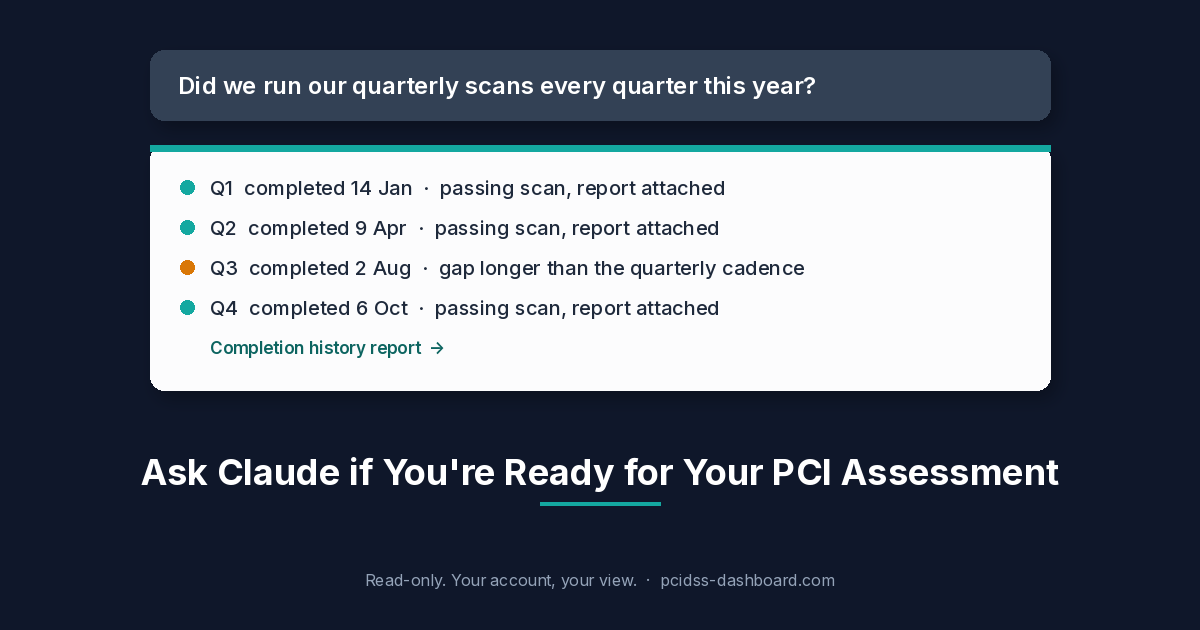
- No scans, because last year nobody asked.
- An internal scan. Useful to you. Not an ASV report.
- A failed scan with “patching next month.” The requirement is a passing scan, plus rescans as needed.
- The wrong target. Brochure site scanned, checkout-redirect host skipped.
- The calendar. In SAQ A r1, and in the v4.0.1 SAQ A-EP and SAQ B-IP, the initial assessment against this requirement does not demand four passing scans in 12 months if the assessor verifies three things: the latest result passed, you have a documented procedure to scan at least once every three months, and the findings were fixed as shown in a rescan. For subsequent assessments after the initial PCI DSS assessment, passing scans at least every three months must have occurred.
That first-year path is what the SAQ lets an assessor verify. Your acquirer can still ask for the set their program wants. And I am not turning “every three months” into a homemade day count. Date the reports and keep them.
What goes in the envelope
- The SAQ that still fits. Which SAQ Am I? is the pre-flight. If your acquirer specifies the validation documentation it requires, follow its instructions, but the SAQ still has to fit your payment environment and eligibility criteria. Type map: SAQ types explained.
- A signed, dated SAQ + AOC for this cycle. Not last year’s file. Renewal is the archive-versus-new-attestation version.
- Current passing ASV reports where 11.3.2 applies. You hire the Approved Scanning Vendor. pcidss-dashboard.com does not run the scans.
- On SAQ A or A-EP, after a significant change, 11.3.2.1 as well: vulnerabilities scored 4.0 or higher on the CVSS are resolved, rescan as needed, qualified independent tester. Not required to be the ASV. Not claimed here for B-IP.
- Send what they asked for. A screenshot of a green tile is not an ASV report.
What the tool does, and what it will not fake
Wizards for SAQ A, A-EP and B-IP are live on PCI DSS Dashboard. SAQ D has one too. This is not a tour of D. Answer in plain language, save as you go, sign, download a signed, dated SAQ + AOC PDF. SAQ A and B-IP are €99. SAQ A-EP is €699. Payment gates the download.
We are not an Approved Scanning Vendor. A failed scan stays failed. Walking the wizard does not perform 11.3.2, and it does not decide whether the acquirer accepts the package. You still answer honestly, and you still attach the ASV reports.
If the scan folder is empty, start with the ASV, not with another export of the PDF. Stuck on the type, use the contact page.
A book of merchants
One missed quarter is a chase email. A portfolio on staggered cycles, each with its own ASV, eats a Friday. The signed PDF can go up the parent chain when a merchant finishes. The scan report still comes from that merchant’s ASV. We do not create it on the way up. How MSPs and ISOs stop chasing spreadsheets.