Both questionnaires are for merchants who outsource card processing — but if your website can affect the payment page, you're not on SAQ A. Here's how to tell which one applies before your acquirer rejects the wrong PDF.
If you take cards online and never store card numbers yourself, you've probably been told you're "SAQ A." Sometimes that's right. Often it isn't.
SAQ A and SAQ A-EP both assume payment processing is outsourced to a PCI DSS–validated provider. The difference is whether your website can affect the security of the payment transaction. That one question decides whether you're filling in roughly two dozen requirements — or closer to two hundred.
This post is the definitive split: eligibility, real checkout examples, the grey zone (iframe vs Elements vs Direct Post vs API), and what goes wrong if you pick the wrong questionnaire.
TL;DR: SAQ A = fully hosted redirect or true third-party iframe/hosted fields; your site only starts the payment. SAQ A-EP = your pages or JavaScript still sit in the path of the payment UI, so attackers who compromise your site could skim cards. Confirm the final choice with your acquirer.
The Core Distinction
SAQ A is for e-commerce or mail/telephone-order (MO/TO) merchants who have fully outsourced every account-data function. Customers enter card details on a page controlled by your payment provider either after a redirect, or inside a properly isolated iframe / hosted-fields widget. Your systems never store, process, or transmit account data.
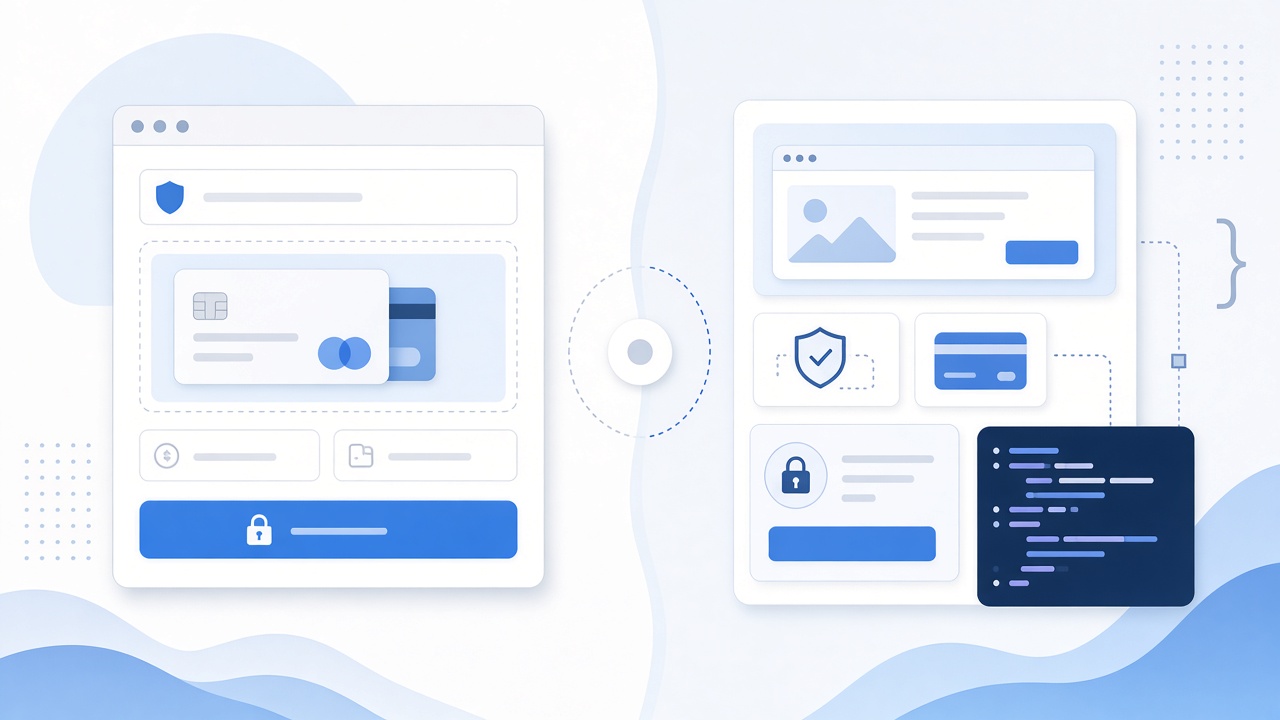
SAQ A-EP is for e-commerce only merchants who still outsource processing, but whose own website affects how the payment page is delivered or how the transaction is initiated. Card data is still meant to go to the provider — yet your web environment is part of the attack surface.
Same business goal ("we don't want to handle cards"). Different technical reality. Different SAQ.
We cover the payment-page script rules for hosted checkouts in detail in SAQ-A for Hosted Checkout Pages. This article stays on the A vs A-EP decision itself.
SAQ A: Fully Outsourced Checkout
Requirement count: around 26–27 questions — the shortest merchant SAQ. Use the official SAQ A v4.0.1 PDF for the exact set your acquirer expects.
Eligibility (plain English):
- You are an e-commerce and/or MO/TO merchant.
- All processing of account data is entirely outsourced to PCI DSS–validated third-party service providers (TPSPs).
- You do not electronically store, process, or transmit account data on your systems or premises.
- You have confirmed those TPSPs are PCI DSS compliant for the services you use.
- Anything you keep on paper only stays on paper (receipts, paper order forms) and was not received electronically as account data.
What "fully outsourced" looks like in practice:
- Redirect: Customer clicks Pay and leaves your domain for Stripe Checkout, PayPal, Adyen-hosted page, or similar. The form lives entirely on the provider.
- True iframe / hosted fields: Card inputs are rendered by the provider inside an iframe (or equivalent hosted fields). Your page wraps the widget; card data never hits your server.
Typical merchant: A Shopify store on Shopify Payments, a WooCommerce shop that only redirects to Stripe Checkout, or any site where "Pay" means "open the provider's page."
What you still own on SAQ A: policies, access basics, and vendor management (Requirement 12.8 — confirming and monitoring that your TPSPs are PCI DSS compliant for the services you use).
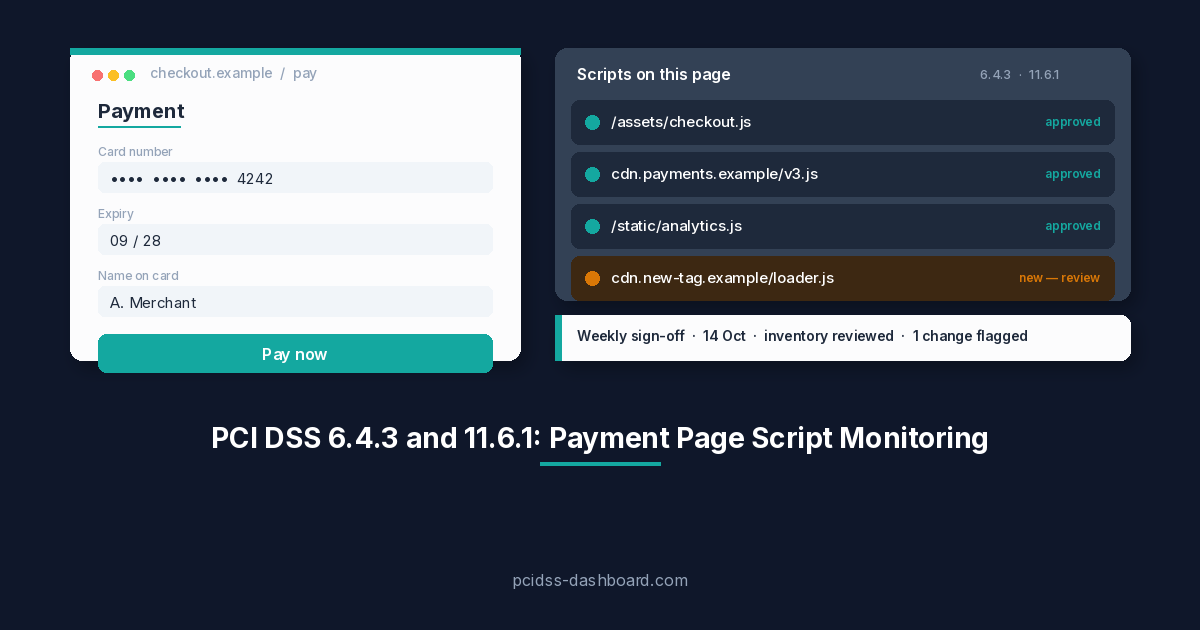
Scripts under v4.0.1 — and why this is an eligibility question, not extra homework. Most SAQ A guidance online is now out of date on this point. The SAQ A revision published 30 January 2025 removed Requirements 6.4.3 (payment-page script inventory, authorisation, and integrity) and 11.6.1 (payment-page tamper/change detection) as line items from the questionnaire. They are not controls you complete on SAQ A anymore. In their place, the SSC added an eligibility criterion: you must be able to confirm your site "is not susceptible to attacks from scripts that could affect the merchant's e-commerce system(s)."
So scripts don't add work to SAQ A they decide whether you qualify for it at all. If unmanaged third-party scripts (marketing pixels included) load on the page that initiates payment and could affect it, that's a signal you may not be SAQ A–eligible and likely belong on SAQ A-EP, where 6.4.3 and 11.6.1 apply in full. For how to actually inventory and monitor those scripts, see the hosted-checkout post; this article stays on the A-vs-A-EP decision.
SAQ A-EP: Your Site Still Sits in the Payment Path
Requirement count: substantially larger than SAQ A — an order of magnitude more. Treat the number as "much larger," and use the official SAQ A-EP v4.0.1 PDF for the exact set your acquirer expects.
Eligibility (plain English):
- E-commerce channel only (not a general service-provider SAQ).
- Account data processing is outsourced to a PCI DSScompliant TPSP / processor — you still must not electronically store, process, or transmit account data yourself.
- Your e-commerce website does not receive account data, but does control or affect how customers (or their account data) are redirected to the TPSP, or the integrity of the page that accepts account data.
- Payment-page elements delivered to the browser come from your site and/or a compliant TPSP.
- You have confirmed TPSP compliance for the services you use.
What pushes you into A-EP:
- Custom checkout where your JavaScript creates or submits payment data (even if the end goal is a token).
- Direct Post / "form posts to the gateway" patterns where the merchant-controlled page owns the card fields or the submission flow.
- Direct API integrations where card data (or raw sensitive input) can be intercepted by compromised merchant JS or by code on your origin.
- Any setup where a Magecart-style injection on your origin could overlay or replace the real payment UI.
Typical merchant: A custom storefront that built its own checkout with a payment SDK, collects card fields on a first-party page, then tokenizes client-side — or posts through merchant-controlled pages that can be tampered with.
What the extra requirements cover: Because your web environment can affect payment security, A-EP pulls in a much wider slice of PCI DSS: network security controls, secure configuration, vulnerability management, access control, logging, and — for the payment page — the full 6.4.3 and 11.6.1 script controls. You are no longer "just" attesting to outsourcing — you are attesting that the site around the payment flow is locked down.
Side-by-Side Comparison
| SAQ A | SAQ A-EP | |
|---|---|---|
| Channel | E-commerce and/or MO/TO | E-commerce only |
| Outsourcing | Fully outsourced payment form | Processing outsourced, but site affects payment security |
| Does your site receive account data? | No | No (if it does, you are past A-EP) |
| Can your web environment affect the payment page? | No — role is initiate / embed only | Yes — that is the point of A-EP |
| Payment-page scripts (6.4.3 / 11.6.1) | Eligibility gate if scripts can affect payment, you're likely not SAQ A | Apply in full as line-item requirements |
| Typical UX | Redirect or true third-party iframe / hosted fields | Custom checkout, Direct Post, merchant JS in the payment path |
| Approx. requirement count | ~26–27 | Much larger (order of magnitude) |
| Effort / evidence | Policies, vendors, TPSP management | Broader technical controls + evidence history |
| Wrong choice risk | Acquirer rejects AOC; you under-scoped | You over-scoped (extra work) — better than under-scoping |
The Grey Zone: Redirect, iframe, Elements, Direct Post, API
Use this as a practical filter — then confirm with your bank or processor.
- Full redirect to provider domain → usually SAQ A, if nothing on your origin can swap the destination or inject a fake form before redirect, and you meet all A eligibility criteria.
- Provider iframe / hosted fields only (card inputs owned by the TPSP) often SAQ A, if card data never touches your server and your page only hosts the widget.
- "Looks embedded" but your JS owns fields or submission → usually SAQ A-EP. Branding that looks like your checkout is not the test; control of the payment UI is.
- Direct Post to the gateway from a merchant page → treat as SAQ A-EP unless your acquirer has explicitly accepted a narrower SAQ for that exact architecture.
- Server-side API that receives PAN (or sensitive auth data) on your servers not SAQ A or A-EP. You are transmitting account data. Look at broader SAQs (often SAQ D for merchants) with your acquirer.
- Tokens only, but attacker-controlled merchant JS could still skim before tokenization → the eligibility question is still whether your environment can affect payment security. When unsure, A-EP is the safer self-assessment path than forcing SAQ A.
Rule of thumb we use elsewhere on this blog: if you're unsure whether you qualify for SAQ A, you probably need SAQ A-EP.
Common Mistakes
"We use Stripe / Adyen / Braintree, so we're automatically SAQ A." The brand of processor doesn't choose the SAQ. The integration pattern does. Stripe Checkout redirect and a custom Elements-heavy checkout are not the same questionnaire.
"We only handle tokens, so we're SAQ A." Tokens reduce what you store. They do not erase a compromised checkout page that still sees card fields before tokenization.
"Our developer said the iframe means we're fine." Ask who serves the fields and what other scripts load on that page. An iframe that is not a true TPSP-controlled hosted field, or a parent page loaded with unmanaged scripts, is where attestations fall apart.
"A-EP sounds scary, so we'll just submit SAQ A." A short PDF that describes the wrong environment is not a bargain. Acquirers and QSAs care that the attestation matches reality. Under-scoping is a compliance problem; over-scoping is mostly extra work.
"We'll fix the integration later and attest as A now." The attestation is a dated statement about how you take payments now. Change the checkout first, then attest — or attest to the SAQ that matches today's setup.
What Happens If You Pick the Wrong One
- Under-scope (A when you needed A-EP): the signed document may be rejected, you may be asked to redo the assessment, and you have attested to controls that never covered your real attack surface.
- Over-scope (A-EP when A was fine): more requirements and more evidence, but the artefact still answers the bank's question if you complete it honestly.
- Either way: the thing the bank wants is a credible Attestation of Compliance (the signed SAQ package), not a dashboard screenshot. Wrong questionnaire = weak artefact.
For the wider map of all ten SAQs, see PCI DSS v4.0.1 SAQ Types Explained.
Which One Are You?
Ask yourself:
- Do customers enter card details on a page fully controlled by your payment provider (redirect or true hosted fields / iframe)? If yes, and your systems never see account data → lean SAQ A.
- Does your own HTML/JS/CSS (or server) participate in building, submitting, or securing the payment UI? If yes lean SAQ A-EP.
- Could a script injection on your origin skim cards or swap the payment form? If that risk exists because of how you built checkout → SAQ A-EP (or fix the architecture, then reassess).
- Does any of your infrastructure receive PAN or sensitive authentication data, even briefly? If yes → neither A nor A-EP; talk to your acquirer about a broader SAQ.
- Has your acquirer or processor already named the SAQ they expect? Their answer wins over a blog post — including this one.
Still unsure? The Which SAQ Am I? quiz walks the decision in a couple of minutes and points you at the matching questionnaire.
Finish the Artefact Your Acquirer Actually Wants
Once you know which SAQ fits:
- SAQ A — use the guided wizard, answer in plain English, download the signed PDF when you're ready (SAQ-A report is €99; the wizard itself is free to complete).
- SAQ A-EP — same idea for the larger questionnaire (SAQ A-EP report is 699; again, fill first, pay only when you download).
Both paths exist so you can hand your bank something dated, signed, and serious — not a half-finished spreadsheet.
Questions about which path fits your stack? Write to sales@pcidss-dashboard.com.