Using Stripe Checkout, Adyen Drop-in, or another hosted payment page? SAQ A is often your path but the 30 January 2025 SAQ A revision changed how payment-page scripts work. Requirements 6.4.3 and 11.6.1 are no longer SAQ A line items. They became an eligibility gate. Here's what that means and how to handle scripts in practice.
This post is about scripts only: the Jan 2025 eligibility change, what 6.4.3 and 11.6.1 require when they apply, and what to do on a hosted-checkout page. For which questionnaire you should be on in the first place, see SAQ A vs SAQ A-EP. For the map of all ten SAQs, see PCI DSS v4.0.1 SAQ Types Explained.
What changed on 30 January 2025
In SAQ A revision 1 (January 2025), the PCI SSC removed Requirements 6.4.3 (payment-page script inventory, authorisation, and integrity), 11.6.1 (payment-page tamper/change detection), and 12.3.1 from the SAQ A questionnaire.
In their place, SAQ A eligibility for e-commerce now includes confirming that your site "is not susceptible to attacks from scripts that could affect the merchant's e-commerce system(s)."
So on SAQ A, scripts are not extra homework inside the questionnaire — they decide whether you qualify for SAQ A at all. If unmanaged scripts on the page that starts payment could affect that flow, that is a signal you may not be SAQ Aeligible. On SAQ A-EP (and broader SAQs such as SAQ D), 6.4.3 and 11.6.1 still apply as full line-item requirements — confirmed in the SAQ A-EP v4.0.1 document (October 2024), which includes completion guidance for both.
What 6.4.3 requires (when it applies)
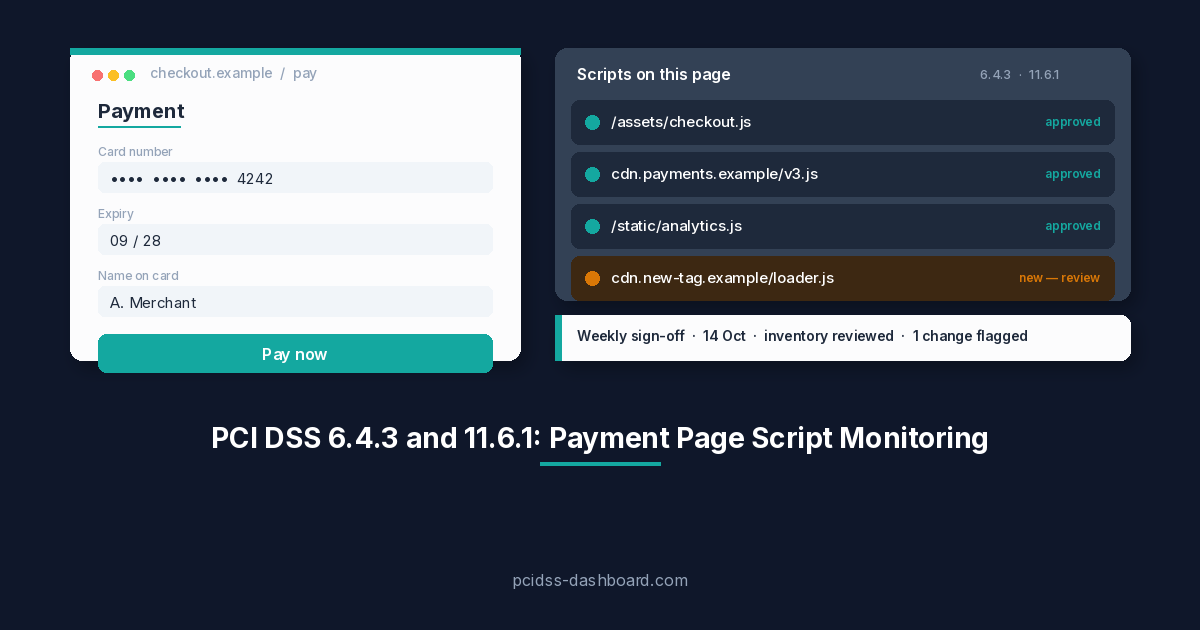
Requirement 6.4.3 — payment page script management. All scripts that load and execute in the consumer's browser on the payment page must be managed so that:
- Each script is authorized — you know it is there and you have approved it.
- Each script's integrity is assured — you can detect tampering (for example Subresource Integrity, Content Security Policy).
- An inventory of all scripts is maintained, with written justification for why each is necessary.
This covers scripts from your environment and from third/fourth parties. For an embedded TPSP iframe, scripts inside the provider's form are the TPSP's responsibility; scripts on your parent page are yours.
What 11.6.1 requires (when it applies)
Requirement 11.6.1 — payment page tamper detection. A change- and tamper-detection mechanism must:
- Alert personnel to unauthorized modifications to the HTTP headers and page content as received by the consumer's browser.
- Evaluate the received HTTP headers and payment page content.
- Run at least once every seven days, or at a frequency defined by your targeted risk analysis (tied to Requirement 12.3.1 where that applies).
Why this still matters for hosted checkout
Even with a redirect or iframe, your site still serves the page that starts payment. If an attacker compromises a script there, they can overlay a fake form, swap the redirect, or skim data before the customer reaches the hosted form — the Magecart pattern.
On SAQ A, you must be able to stand behind the eligibility claim that your site is not susceptible to those attacks. On SAQ A-EP, you attest to 6.4.3 and 11.6.1 as questionnaire line items. Either way, the practical work looks similar; the paperwork differs.
What to do in practice
- Inventory payment-page scripts. Every JS file, tag manager, analytics pixel, and third-party script on the page that initiates payment. Document why each is needed.
- Authorize and control them. Remove anything unnecessary. Document approval for what remains. Prefer a Content Security Policy that restricts which domains can serve scripts.
- Assure integrity. Use Subresource Integrity hashes where possible so unexpected script changes fail closed or alert you.
- Deploy tamper detection. CSP violation reporting, synthetic monitoring that fetches and compares the payment page, or a commercial 11.6.1-oriented tool — something that notices unauthorized header/content changes on a defined cadence.
- Check TPSP coverage carefully. A provider may cover controls inside their hosted form. That does not automatically cover scripts on your parent page. Get it in writing if you rely on them for eligibility or for A-EP line items.
Common mistakes
"My payment provider handles everything." They handle the payment form. They don't control your website. Analytics, chat widgets, and tag managers on the pay-button page are your scripts.
"We redirect, so we have no payment page." The page that initiates the redirect is in scope for script risk. If JavaScript there can modify the destination URL, it matters.
"We'll just say our TPSP covers it." Acquirers and QSAs want evidence. If the TPSP does not explicitly cover your parent page, you're on the hook for eligibility (SAQ A) or for 6.4.3/11.6.1 (SAQ A-EP).
"SRI and CSP are developer problems, not compliance problems." They're both. Without them (or an equivalent control), the eligibility claim — or the A-EP line items — is hard to defend.
Not sure you're even on SAQ A?
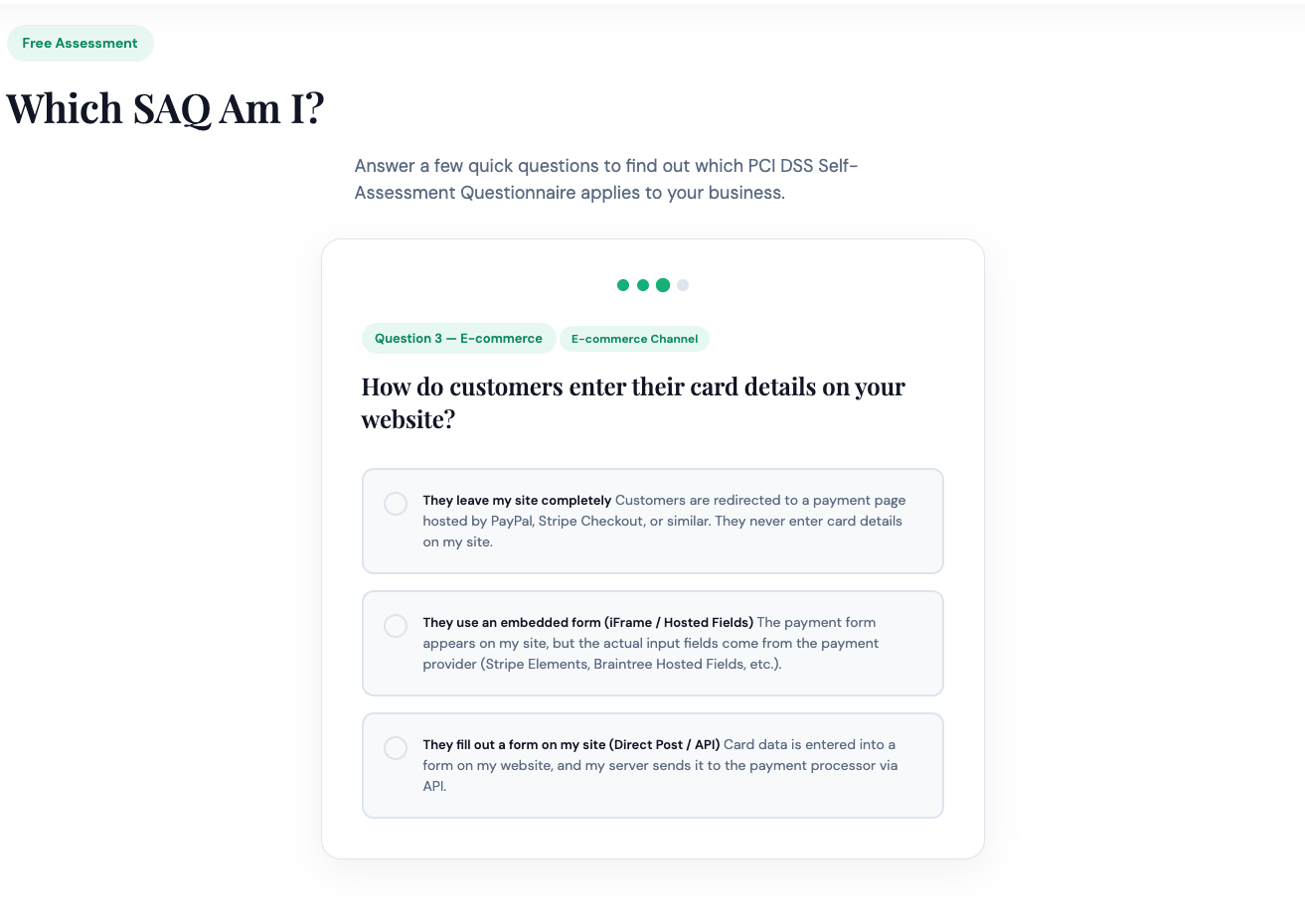
If the open question is whether you belong on SAQ A or SAQ A-EP, don't re-litigate it here — use SAQ A vs SAQ A-EP. Still unsure after that? The Which SAQ Am I? quiz helps, and your acquirer's answer always wins.
Already on SAQ A and ready to produce the signed PDF? PCI DSS Dashboard walks the questionnaire in plain English and generates the artefact your bank actually wants.