SAQ-B vs SAQ B-IP: What's the Difference?
If your business accepts card payments using a physical terminal — a countertop device where customers tap, dip, or swipe — you've likely been pointed toward SAQ-B or SAQ B-IP. They sound similar, but the difference comes down to one thing: how your terminal connects to the payment processor.
That single difference changes your PCI DSS scope significantly. This post explains what each SAQ covers, who qualifies, and how to tell which one applies to you.
The Core Distinction
SAQ-B is for merchants using standalone terminals that connect over an analog phone line (dial-up) — or merchants still using old-fashioned manual card imprinters. These devices are not connected to the internet or any IP network. They dial out over a telephone line, process the transaction, and hang up.
SAQ B-IP is for merchants using standalone terminals that connect over an IP network — Ethernet, Wi-Fi, or any internet-based connection. The terminal is still a standalone device (not part of a larger POS system), but because it communicates over a network, there's a larger attack surface.
Same physical device in many cases. Different connection method. Different risk profile. Different SAQ.
SAQ-B: Dial-Up Terminals and Imprint Machines
Requirement count: ~41 questions.
Eligibility conditions:
- You are a brick-and-mortar (card-present) merchant only — no e-commerce channel.
- Your only payment processing uses either standalone dial-up terminals or manual card imprint machines.
- The dial-up terminals are not connected to the internet or any other IP-based network.
- The terminals are not connected to any other systems in your environment.
- You do not store cardholder data electronically.
- Any cardholder data retained is on paper only.
What makes it simpler: With no IP connectivity, most network-based attack vectors are eliminated. There's no risk of remote exploitation, no web-based threats, and no need for firewalls, intrusion detection, or network segmentation. The requirements focus primarily on physical security, access controls, and policies — making sure no one tampers with the terminal or walks off with paper receipts.
Typical merchant: A small shop with a single countertop terminal plugged into a phone jack on the wall. No computer involved. No Wi-Fi. The terminal dials the processor, gets an authorization, prints a receipt, and that's the end of it.
SAQ B-IP: Standalone IP-Connected Terminals
Requirement count: ~83 questions — roughly double SAQ-B.
Eligibility conditions:
- You are a brick-and-mortar (card-present) merchant only — no e-commerce channel.
- Your only payment processing uses standalone PTS-approved point-of-interaction (POI) devices connected via IP to your payment processor.
- The IP-connected terminals are not connected to any other systems in your environment. This means the terminal sits on its own network segment or is otherwise isolated from your business computers, POS applications, inventory systems, etc.
- The only transmission of cardholder data is from the PTS-approved POI device to the payment processor.
- The POI device does not rely on any other device (e.g., a computer, mobile phone, or tablet) to connect to the payment processor.
- You do not store cardholder data electronically.
- Any cardholder data retained is on paper only.
What the extra requirements cover: Because the terminal connects over an IP network, SAQ B-IP adds requirements around network security controls (firewalls/NSCs between the terminal segment and untrusted networks), secure network configuration, encryption of cardholder data over public networks, vulnerability management, and access control to the network segment. Essentially, anything that could be attacked remotely now needs to be locked down.
Typical merchant: A restaurant with a countertop terminal connected to the internet via the store's router. The terminal processes payments over a broadband connection. No full POS application — just the terminal itself.
Side-by-Side Comparison
| SAQ-B | SAQ B-IP | |
|---|---|---|
| Connection type | Analog phone line (dial-up) | IP network (Ethernet, Wi-Fi) |
| Internet connected | No | Yes |
| Terminal type | Standalone dial-up terminal or imprint machine | Standalone PTS-approved POI device |
| Connected to other systems | No | No — must be isolated |
| Requirement count | ~41 | ~83 |
| Network security controls required | No | Yes — NSCs, segmentation, encryption |
| Vulnerability scanning required | No | Yes — ASV scans required |
| E-commerce allowed | No | No |
| Electronic CHD storage | No | No |
The "Standalone" Requirement Is Strict
Both SAQ-B and SAQ B-IP require the terminal to be standalone — meaning it is not integrated into or dependent on a computer, tablet, phone, or POS application. This is the requirement that disqualifies most merchants who think they're B-IP but are actually SAQ-C or SAQ-D.
Some examples that do not qualify for SAQ-B or B-IP:
- A terminal connected to a PC-based POS application (like Square on an iPad, or a register software on a desktop that sends transactions to the terminal). That's a payment application system — SAQ-C at minimum.
- A terminal that stores transaction data on a local server for reporting. The server is now in scope.
- A terminal that connects through a computer or phone (using the phone as a network relay). The phone/computer becomes part of the cardholder data environment.
"Standalone" means the terminal handles the entire transaction independently — card in, authorization out — without relying on or connecting to another device.
Your payment terminal shouldn't be on the same WiFi you allow your guests to connect to.
The Network Isolation Trap (SAQ B-IP)
SAQ B-IP requires that the terminal is not connected to other systems in your environment. In practice, this means the terminal must be on a segmented network. If your payment terminal shares a network with your office computers, inventory system, or guest Wi-Fi, you can't use SAQ B-IP without first implementing proper segmentation.
What "isolated" looks like:
- The terminal is on its own VLAN with firewall rules that only allow traffic to/from the payment processor.
- No other devices can communicate with the terminal's network segment.
- The terminal cannot browse the internet, receive inbound connections from other internal systems, or share a subnet with non-payment devices.
If your terminal is plugged into the same switch as your back-office PC with no segmentation, your acquirer or QSA will not accept SAQ B-IP. You'll need to either segment your network or move to SAQ-C or SAQ-D.
Does Anyone Still Use SAQ-B (Dial-Up)?
Increasingly, no. Analog phone lines are being decommissioned by telecom providers in many countries, and new terminals almost universally ship with IP connectivity. SAQ-B is slowly becoming a legacy category. If you're currently on dial-up and your telecom provider phases out PSTN service, you'll need to migrate to an IP-connected terminal — and your SAQ will change from B to B-IP (or higher, depending on your setup).
Plan for this transition. It's not just a hardware swap — it changes your PCI DSS scope and roughly doubles your requirement count.
Which One Are You?
Ask yourself three questions:
- Does your terminal connect over a phone line or over the internet? Phone line → SAQ-B. Internet → SAQ B-IP (if other conditions are met).
- Is the terminal standalone, or is it part of a POS system? If it's integrated with a POS application, computer, or tablet, neither SAQ-B nor B-IP applies. Look at SAQ-C or SAQ-D.
- Is the terminal isolated from your other systems? If it shares a network with non-payment devices and there's no segmentation, SAQ B-IP doesn't apply in its current state. Segment first, or move to a broader SAQ.
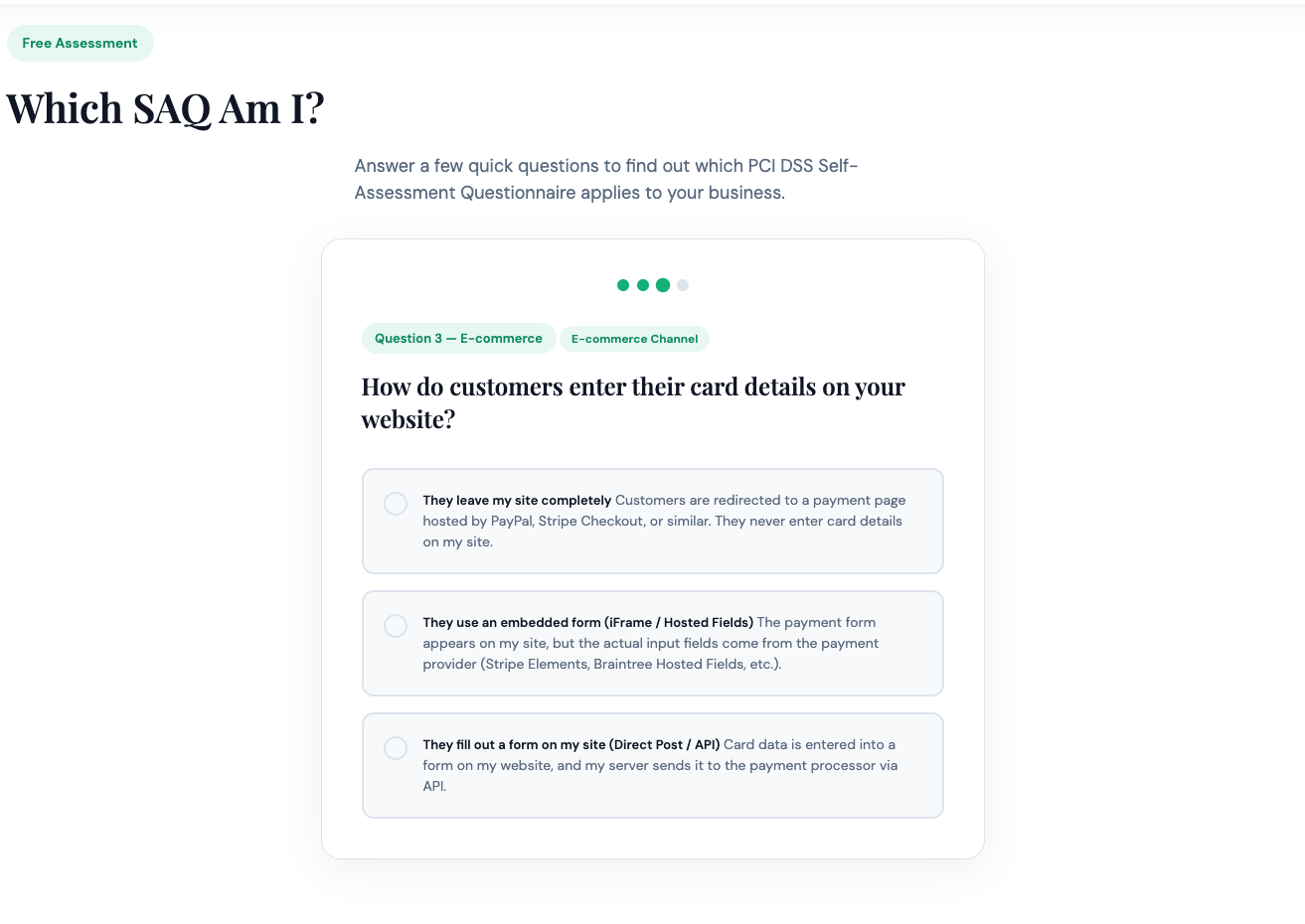
Still unsure? Our What SAQ Am I? quiz asks the right questions and tells you which questionnaire matches your payment environment — no guesswork required.