A shopper fills in the checkout form, the payment goes through and the order confirmation arrives. Everything looks normal. But a few lines of script added to the payment page have quietly copied the card number and sent it somewhere else. PCI DSS v4.0.1 requirements 6.4.3 and 11.6.1 exist to catch exactly this, and this post explains what they ask for and how to produce the proof.
What is e-skimming on a payment page?
E-skimming, often called a Magecart-style attack, is when an attacker adds or changes a script on a checkout page so that it copies what shoppers type and sends it elsewhere. The shopper sees nothing unusual and the payment still succeeds, so the merchant often finds out from their acquirer months later.
Modern payment pages load many scripts: your own code, analytics, tag managers, chat widgets and the payment provider's code. Any one of them, if changed, runs with full access to what the shopper types. That is why the Payment Card Industry Data Security Standard (PCI DSS) now asks merchants to manage those scripts and watch for changes.
What do PCI DSS 6.4.3 and 11.6.1 require?
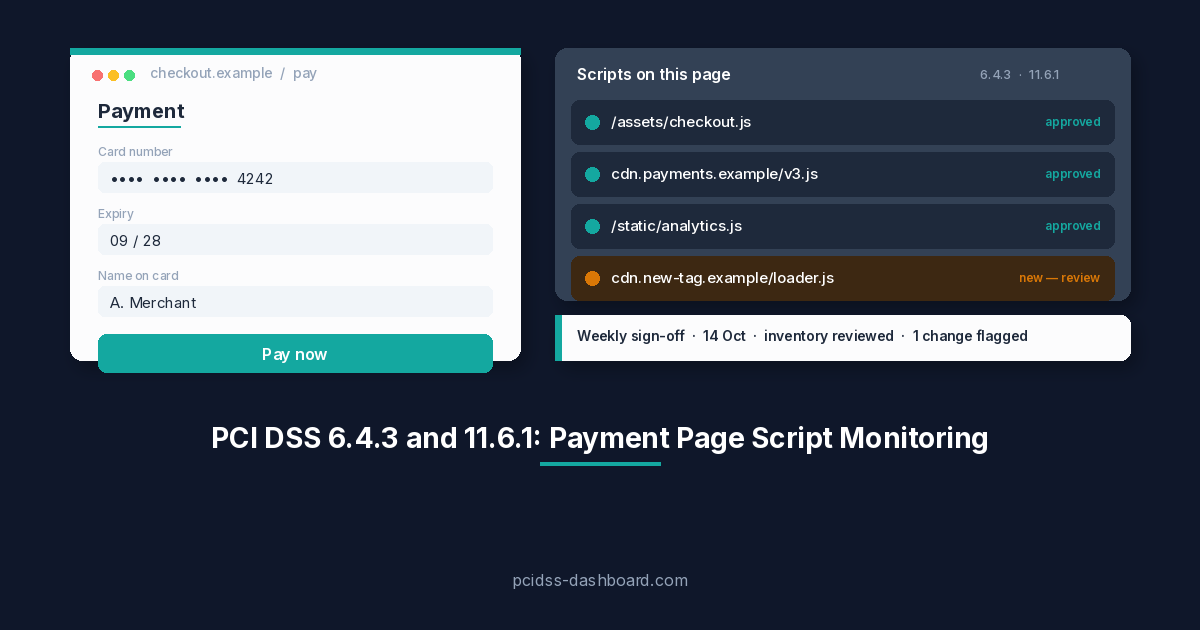
Requirement 6.4.3 asks you to manage every script that runs in the shopper's browser on your payment page. Requirement 11.6.1 asks you to detect and be alerted to unauthorised changes to those scripts and to the page's security-impacting HTTP headers, at least weekly. Both became mandatory on 31 March 2025; until then they were best practice.
| Requirement | What you must have | What an assessor will ask to see |
|---|---|---|
| 6.4.3: payment page scripts | A method to confirm each script is authorised, a method to assure the integrity of each script, and an inventory of all scripts with a written justification of why each is needed. | The script inventory, the justification for each script, and who authorised it and when. |
| 11.6.1: change and tamper detection | A mechanism that alerts personnel to unauthorised modification of the security-impacting HTTP headers and script contents of the payment page, as received by the consumer browser. It runs at least weekly, or at the frequency set by a targeted risk analysis (requirement 12.3.1). | A history showing the checks ran every week, and that someone reviewed the results. |
The important word for an assessor is history. A Qualified Security Assessor (QSA) is not only asking whether you have a tool. The question is: show me the checks ran every week, and show me that someone reviewed them.
The PCI Security Standards Council (PCI SSC) has published an information supplement, Payment Page Security and Preventing E-Skimming: Guidance for PCI DSS Requirements 6.4.3 and 11.6.1 (2025), which is worth reading alongside the standard. You can find it in the PCI SSC document library.
Who do 6.4.3 and 11.6.1 apply to?
Requirements 6.4.3 and 11.6.1 are line items in the Self-Assessment Questionnaire (SAQ) A-EP, SAQ D for merchants, SAQ D for service providers and the Report on Compliance (ROC), for organisations validating with an assessor. If you complete any of those, you will be asked about both.
SAQ A is different. Since the January 2025 revision of SAQ A, the two requirements are not questionnaire items. Instead, the merchant confirms an eligibility criterion: that their site is not susceptible to attacks from scripts that could affect the e-commerce system. We cover what that means in practice in SAQ A for hosted checkout pages: what you need to know.
Why is payment page script monitoring hard to do by hand?
Doing this by hand is hard because scripts change all the time, a one-off review proves nothing a week later, and a skimmer can hide from simple checks.
- Scripts change constantly. Tag managers, A/B tests and analytics tools add and update scripts without anyone on the team touching the checkout code. An inventory written in January can be out of date by February.
- A one-off review is a snapshot. 11.6.1 asks for a check at least every week. A spreadsheet reviewed once before the assessment does not show what the page looked like in the weeks in between.
- Skimmers can hide. Some malicious code only activates when someone starts typing card details. Looking at the page source, or loading the page without interacting with it, can miss it entirely.
Add the need to record who reviewed each change and why each script is allowed, and the work quickly becomes a weekly chore that is easy to let slip.
How does pcidss-dashboard.com monitor payment page scripts?
Payment page monitoring in pcidss-dashboard.com runs a weekly check of your payment page, reports what changed, and asks a named person to review and sign off the result. The signed-off history is the evidence that helps you meet 6.4.3 and 11.6.1.
The weekly check
Each week, the check loads your payment page in a real browser, the way a shopper receives it, at a different time each week. It records:
- every script the page loads, with a fingerprint of its content;
- the security headers, including the Content-Security-Policy (CSP);
- the shape of the payment form;
- a screenshot.
Each check is compared with the last reviewed one. New, changed or removed scripts are reported as changes. So are removed or weakened security headers: a loosened CSP is flagged, not just a removed one. A payment form that has changed, or now posts card data somewhere else, is reported too. Harmless rebuilds, where only file names or cache-busting parameters change, stay quiet, so the people reviewing are not buried in noise.
Test typing
Once the payment form is showing, the check types a public test card number into the card fields on your own page. It never types into the payment provider's fields, never presses Pay and never submits. Anything the page tries to send while typing is held back and listed. If typed data heads to an address that isn't yours, your provider's or a recognised vendor's, it is marked Needs attention. This matters because it catches skimmers that only activate when someone starts typing, which a simple page load would miss.
Review and sign-off
A check is a finding waiting for human review, not evidence on its own. When a check finds something new, the responsible person is alerted by email and in-app. For each new or changed script, they choose Approve, with a short reason, or Reject. That reason is the justification 6.4.3 asks for, and reasons are suggested for well-known services. They then sign off the check. A check cannot be marked reviewed without a named person signing it off.
If a change is not recognised, it can be raised as a security incident with the evidence attached, so the investigation starts with the facts already in one place.
Monthly checks with a targeted risk analysis
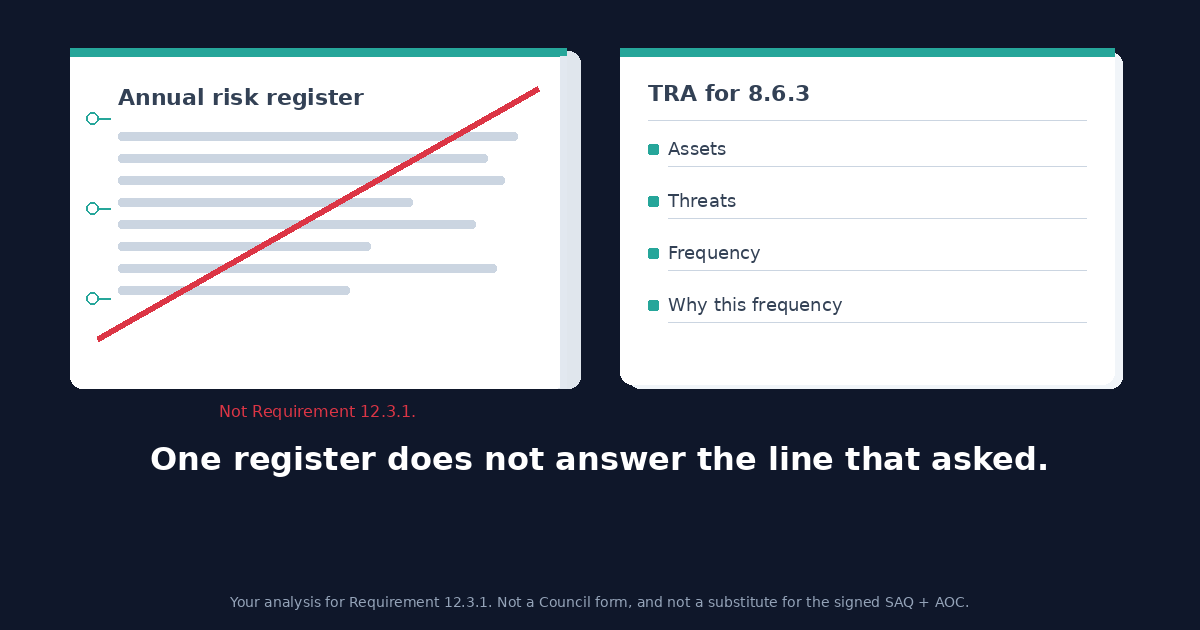
11.6.1 allows a different frequency if a targeted risk analysis supports it. Monthly checks are offered only when you have an approved, complete targeted risk analysis for 11.6.1. If that analysis lapses, checks go back to weekly.
Policy and procedure templates
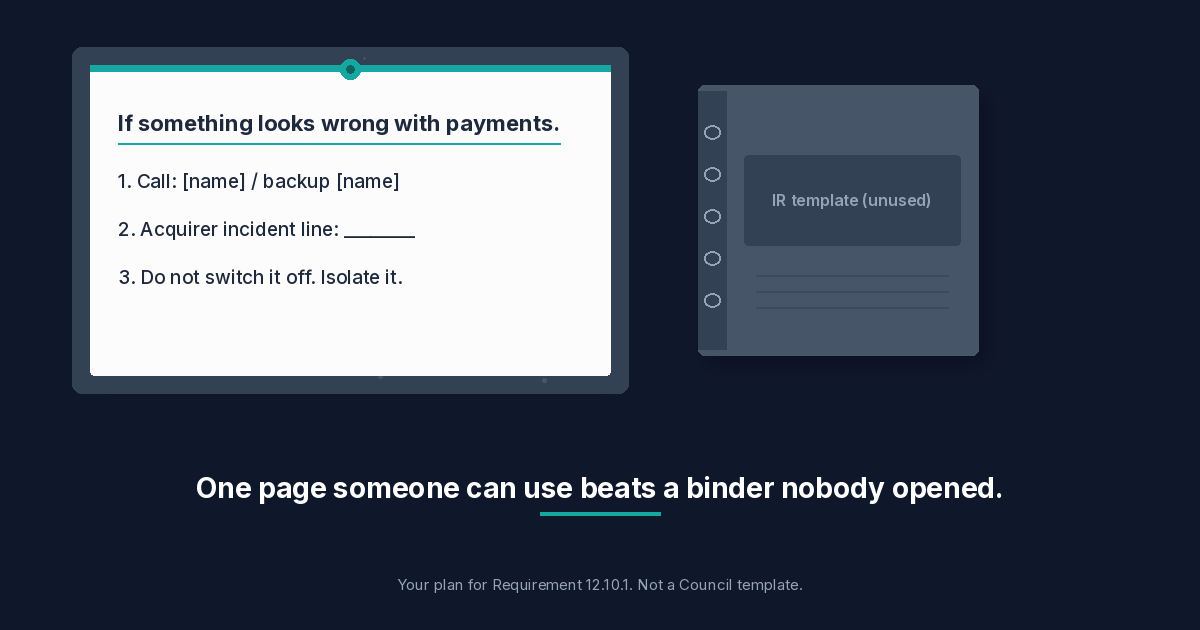
Two document templates are prepared from your own pages and roles: a payment page script management policy, and an incident response procedure for payment page alerts.
What do you hand your assessor for 6.4.3 and 11.6.1?
You hand your assessor three things: the script inventory with justifications, the weekly check history, and the full evidence package.
- The script inventory (CSV). Every script, every Approve or Reject decision, and the reason for it. This is the 6.4.3 inventory with justifications and authorisation.
- The weekly check log. Each sign-off records the week on a recurring task, with the check's report attached, giving a dated history of weekly checks. The log shows gaps as well, so you see a missed week before your assessor does.
- The evidence package (ZIP). Every signed check as it was stored.
The tool does not replace your assessor's judgement or your own responsibility for the page. What it gives you is a reviewed, signed-off record that is straightforward to walk through.
Who can use payment page monitoring?
Payment page monitoring is included with SAQ A-EP, SAQ D, SAQ D for service providers and Enterprise (ROC). Today our team sets up each payment page with you. For checkouts that need a login, the scanner never uses a real customer's account; you create a test account for it.
If you manage many merchants as an ISO, an acquirer's partner team or a managed service provider (MSP), the partner view matters: ISOs see open changes across the merchants below them, and only their own.
Scan files are stored encrypted and are deleted 12 months after monitoring is switched off.
Frequently asked questions
Does SAQ A need 6.4.3 and 11.6.1?
Not as questionnaire items. Since the January 2025 SAQ A revision, SAQ A merchants instead confirm an eligibility criterion that their site is not susceptible to attacks from scripts affecting the e-commerce system. See our SAQ A hosted checkout post for detail.
Can I check monthly instead of weekly?
Requirement 11.6.1 says weekly, or at the frequency set by a targeted risk analysis under requirement 12.3.1. In pcidss-dashboard.com, monthly checks are offered only with an approved, complete targeted risk analysis for 11.6.1, and checks go back to weekly if it lapses.
Does the check submit payments or use real card numbers?
No. It types a public test card number into the card fields on your own page only. It never types into the payment provider's fields, never presses Pay and never submits.
What if my checkout needs a login?
You create a test account for the check to use. The scanner never uses a real customer's account.
Is a Content Security Policy enough on its own?
A CSP helps a lot, because it limits where scripts can load from and where data can be sent. But 11.6.1 asks for detection and alerting on changes as received by the browser, and 6.4.3 asks for a reviewed inventory with a justification for each script. A CSP alone does neither.
Talk to us about monitoring your payment page
If you're on SAQ A-EP, SAQ D or a ROC, talk to us about setting up monitoring for your payment page, or see what's included on our Enterprise page. Not sure which SAQ applies to you? Take the SAQ quiz first.