TL;DR
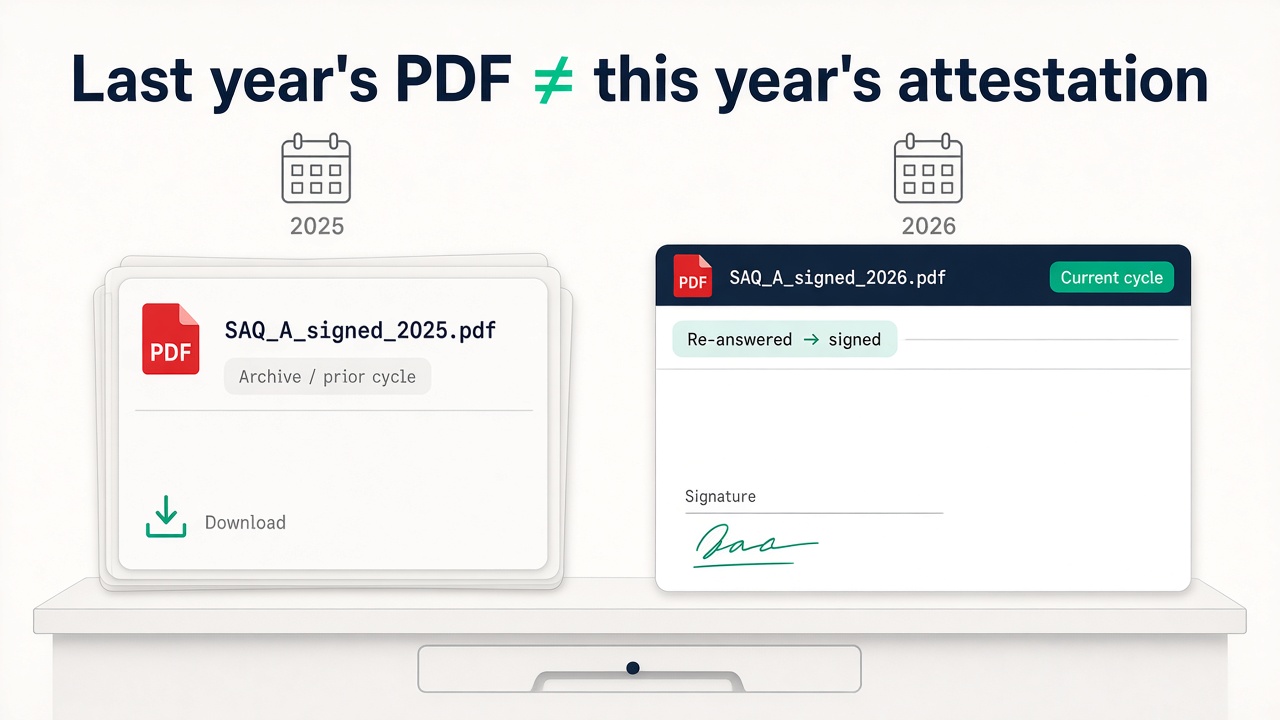
Last year’s signed SAQ PDF is an archive artefact. This year’s cycle is a new attestation — same merchant, new answers, new signature, new dated form. Re-sending last year’s PDF when the program asks for “current” is how renewals bounce. On pcidss-dashboard.com prior-year PDFs stay downloadable; a new cycle means re-answer and re-pay for a fresh acquirer-ready signed SAQ PDF.
Every spring (or whenever the acquirer / brand program sets the clock), the same email lands:
Please provide your current SAQ / AOC.
Someone opens Drive, finds SAQ_A_signed_2025.pdf, attaches it, hits send.
Two days later: Please resubmit for the current validation period.
The PDF was real. It was signed. It was last year’s artefact.
Archive ≠ current cycle
What the bank is filing is not “proof you once finished a questionnaire.” It’s a dated validation artefact for this assessment period.
That usually means:
- The right SAQ type for how you take cards today (not how you took them when you last attested) — wrong type still gets bounced; I wrote that failure mode in Wrong SAQ = Rejected PDF
- Against PCI DSS v4.0.1 (not a stale v3 Word doc from a shared folder)
- With the Attestation of Compliance completed and signed for this cycle
- With current, passing quarterly ASV scans (Requirement 11.3.2) where your SAQ includes it — e-commerce SAQ A (r1), A-EP and B-IP all do
- Dated in the window your acquirer / program actually asked for
Last year’s signed PDF proves you attested then. It does not prove you attested now. I covered the merchant-side “what do they actually want” version in What Your Acquirer Actually Wants — this post is the renewal fork: keep the old artefact, produce a new one.
Why people try to reuse last year’s PDF
“Nothing changed.”
Maybe the checkout didn’t. The attestation date still did. Programs ask for a current-cycle package, not a philosophical statement that you’re the same company.
“We already paid / already signed.”
You paid and signed for that assessment. Renewal is another attestation — another honest walk of the questionnaire, another signature, another dated PDF.
“The PDF still looks fine.”
A tidy PDF ≠ current period. Acquirers read the date and the cycle language. Pretty stamps don’t override a stale attestation window.
“We’ll update it next quarter.”
The email asked for current. Next quarter is how you invent a second rejection email.
“Our processor is compliant, so we’re fine.”
Processor attestation is not your merchant SAQ. Your package is still due on your cycle.
Versioned assessments (the artefact story)
Here’s how renewal works on PCI DSS Dashboard — deliberately boring, on purpose:
| Cycle | What you have | What you do |
|---|---|---|
| Prior year | Signed SAQ PDF already produced | Stays downloadable as an archive artefact — auditors, parent ISOs, and your own records can still pull it |
| Current year | New assessment cycle | Re-answer the questionnaire honestly for today’s setup → sign again → re-pay when you download the new acquirer-ready signed SAQ PDF |
That is the product truth: prior PDF stays; new cycle is new work + new paywalled artefact. We do not pretend renewal is “hit re-download on last year’s file and call it current.”
Why that matters ops-wise:
- You don’t lose history. Parent ISO / MSP / your own compliance folder can still pull last year’s signed PDF when someone asks “what did you file last time?”
- You don’t fake currency. This year’s package is a fresh attestation — answers can change (checkout script, terminal, TPSP, eligibility notes).
- Payment gates the new PDF. SAQ A / B-IP reports €99; SAQ A-EP €699; broader / multi-client work sits under Enterprise (€999/mo). You’re buying this cycle’s downloadable signed form, not a forever stamp.
Using the tool still does not make anyone compliant by magic. You answer honestly. You meet what you attest to. And if you’re Level 1, validation is set by each card brand: usually a Report on Compliance (ROC) by a QSA, though some brands allow alternatives on who signs — Mastercard, for example, still requires a ROC, but allows its Attestation of Compliance to be signed by a QSA, a PCI SSC-certified Internal Security Assessor (ISA) on your staff, or, where law allows, an executive officer. Mastercard Level 2 merchants on SAQ A, A-EP or D also need a QSA or an in-house ISA involved in validation — the self-signed SAQ alone isn't enough. Confirm with your acquirer; a renewed SAQ PDF isn’t a shortcut around that.
Why renewal isn’t “just re-download”
Re-download would be the easy product. It’s also the wrong product.
Checkout and eligibility drift.
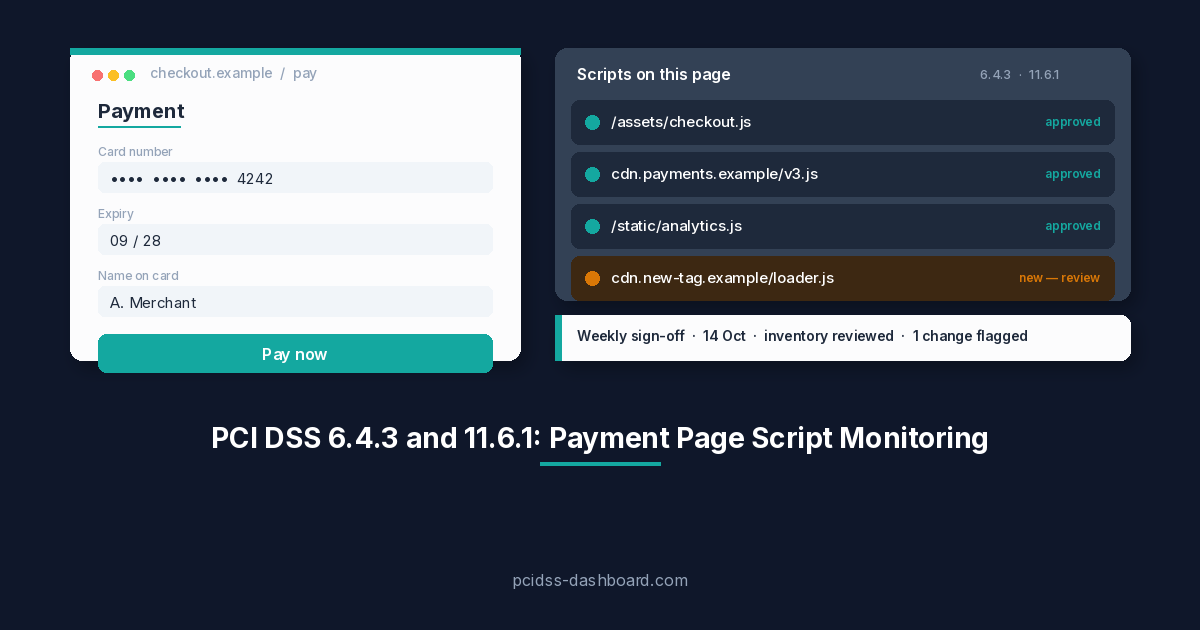
Last year you were a clean redirect on SAQ A. This year someone added custom checkout JS or a Direct Post path — that leans A-EP. Or you moved to an embedded payment form (an iframe) on your own page. The iframe on its own doesn’t change your SAQ type. What matters is the SAQ A script eligibility criterion. Per PCI SSC FAQ 1588, it applies only to e-commerce merchants whose webpage includes a TPSP’s embedded payment page or form, such as an iframe. It doesn’t apply to redirects or to fully outsourced payment links sent by email. If it applies to you, you need to protect your webpage from script attacks, either with your own controls (like those in Requirements 6.4.3 and 11.6.1) or with confirmation from your TPSP that its solution protects your payment page from script attacks. Meet it and SAQ A can still fit; fail it and you’re off SAQ A. Same processor, possibly a different questionnaire. Map of types: PCI DSS v4.0.1 SAQ Types Explained. Confirm again with Which SAQ Am I? before you attest on autopilot.
Requirements and form revisions move.
PCI DSS v4.0.1 SAQs get revisions (SAQ A r1 / Jan 2025 eligibility language is the obvious example). Re-answering against the current SAQ revision is the point. Shipping last year’s answers on this year’s letterhead is not how attestation works.
Signature is a dated statement.
The Attestation of Compliance is someone with authority saying: as of this date, for this period, this is our status. Reusing last year’s signature is theatre with a PDF attachment.
Scans are quarterly, not annual.
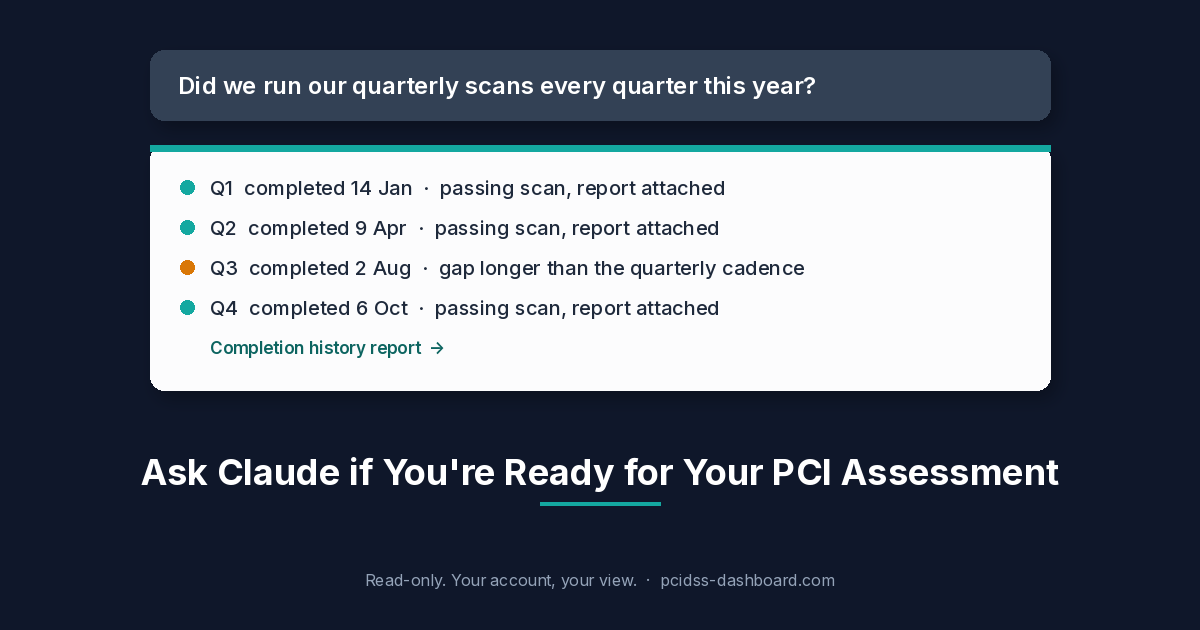
If your SAQ includes Requirement 11.3.2, the acquirer can ask for current, passing external vulnerability scans from a PCI SSC Approved Scanning Vendor (ASV) alongside the new SAQ. A fresh attestation with missing or failed scans can still bounce.
Acquirers / programs track cycles.
They asked for current. Archive PDFs are useful internally. They’re not a substitute for the package due now.
So: keep last year’s signed PDF. Do not confuse it with this year’s work.
Soft path for this year’s cycle
If the renewal email already landed:
- Confirm the SAQ type still fits how you take cards today — acquirer’s named SAQ wins; Which SAQ Am I? is the pre-flight when you’re unsure (and Wrong SAQ = Rejected PDF if you’ve been burned on type before).
- Open this year’s cycle on pcidss-dashboard.com — walk the wizard in plain English; save as you go.
- Sign and date the AOC for this period.
- Have current, passing ASV scans ready if your SAQ includes Requirement 11.3.2 (e-commerce SAQ A r1, A-EP and B-IP all do): quarterly external vulnerability scans by a PCI SSC Approved Scanning Vendor. Your ASV runs those — not pcidss-dashboard.com. A brand-new SAQ with missing or failed scans can still get bounced.
- Download the new signed, dated SAQ + AOC PDF (pay when you need the artefact — SAQ A / B-IP €99; SAQ A-EP €699).
- Send the package they asked for — not a screenshot of last year’s Drive file.
Prior-year PDFs remain available to download when you need the archive. That’s intentional. Renewal is versioned work, not amnesia.
If you’re stuck between “which cycle,” “which SAQ,” or “the bank said current and we’re staring at 2025,” write sales@pcidss-dashboard.com. Happier to sort the cycle early than watch another merchant invent SAQ_renewal_FINAL2.pdf at midnight.
Aside for MSP / ISO portfolios
One merchant renewal is a calendar reminder. A book of merchants renewing on staggered cycles is an ops system — completion state, which cycle, signed PDF yes/no, who above needs the copy. Spreadsheet chase fails here for the same reasons it fails on first attestation. The portfolio version of this argument is in How MSPs / ISOs Stop Chasing Merchant SAQs in Spreadsheets: hierarchy + artefact escalation up the parent chain. Partner chat is still sales@pcidss-dashboard.com.