TL;DR: SAQ A is supposed to be the "easy" PCI assessment for merchants using Stripe or PayPal. But filling out a 30-page PDF manually is still a nightmare. We just launched a dedicated SAQ A Dashboard and a smart Wizard that translates the jargon, tracks your vendors, and generates the official signed PDF for you.
If you are an e-commerce merchant using an iframe or a redirect for payments (like Stripe Elements or PayPal), you get to fill out SAQ A.
Compared to the 300+ requirements of a full Level 1 ROC, SAQ A is a breeze. But let's be honest: the paperwork still sucks.
Every year, merchants have to download a dense, 30-page PDF from the PCI Security Standards Council. You have to figure out which checkboxes apply, decode auditor jargon, track down the exact names of your third-party providers, and figure out how to correctly sign a locked PDF document without breaking the formatting.
It’s an administrative headache that distracts you from actually running your business.
So, we built a way to skip the PDF entirely.
Enter the SAQ A Dashboard & Wizard
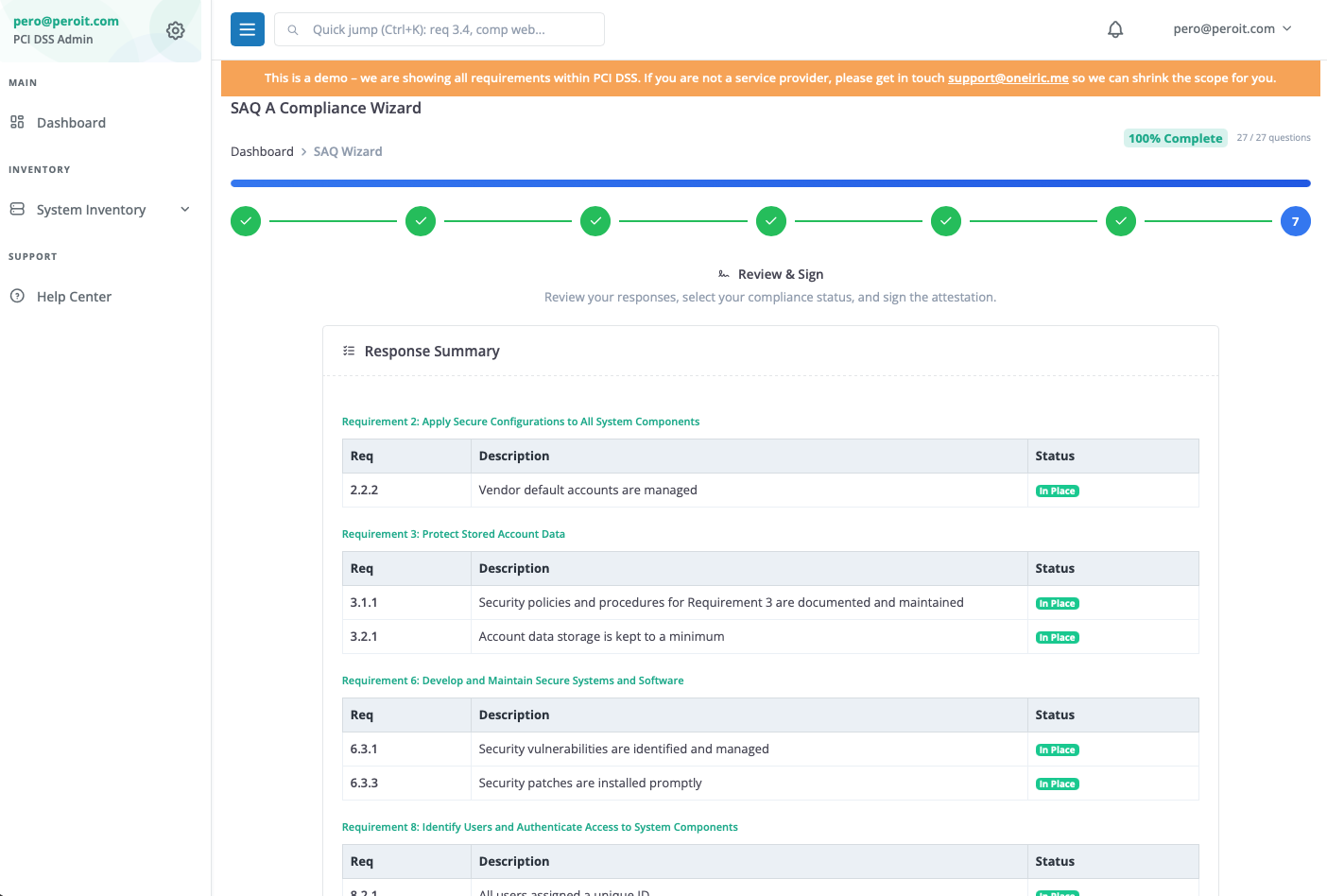
We just rolled out a dedicated experience inside PCIDSS-Dashboard specifically for SAQ A merchants. It transforms a passive checklist into an active "Compliance Wizard."
Here is what it handles for you:
1. The Plain-English Wizard
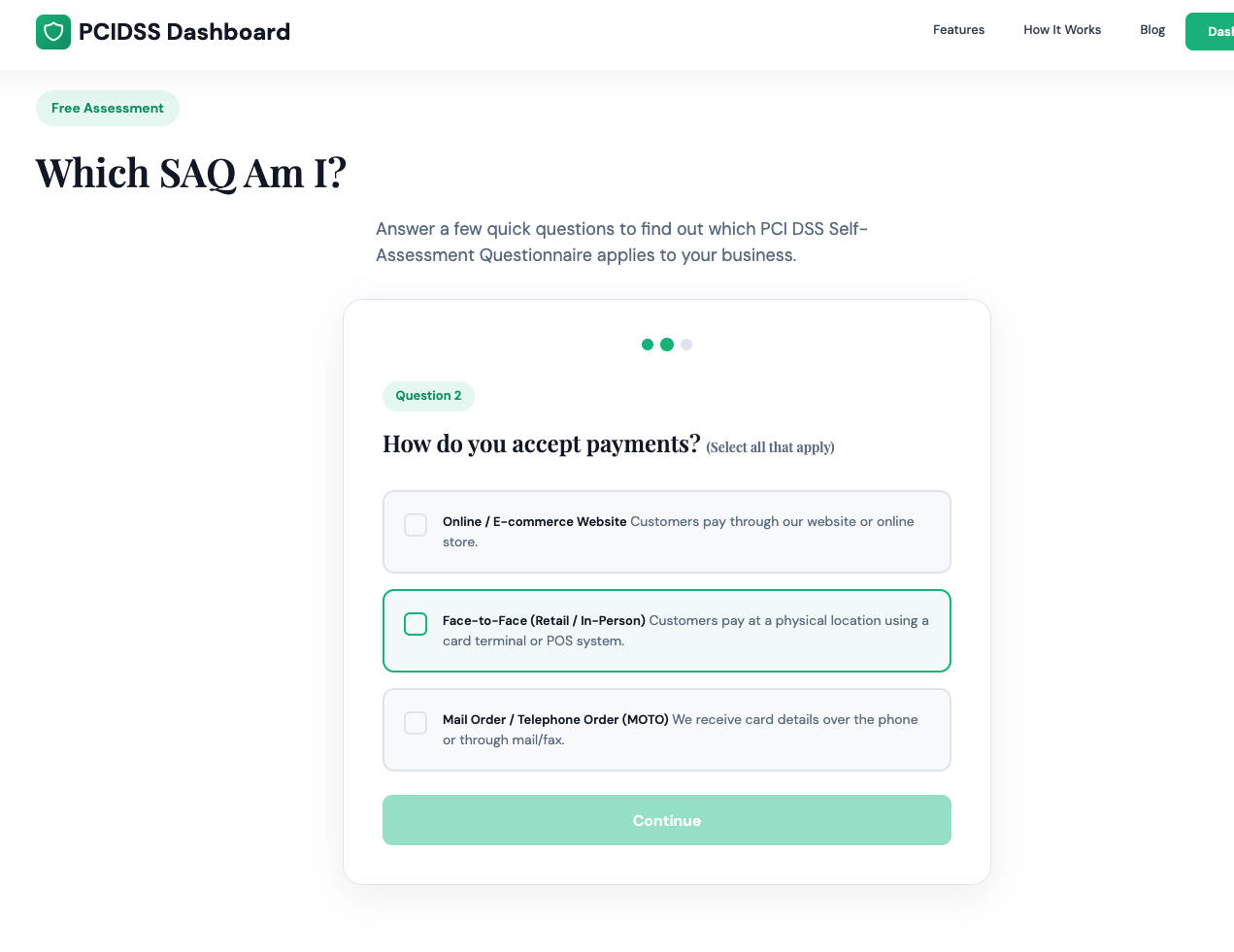
Instead of reading through pages of PCI terminology, our Wizard asks you simple, plain-English questions.
- Instead of: "Are vendor default accounts managed per Requirement 2.2.2?"
- We ask: "Have you changed all the default passwords on your web servers?"
You click through the questions, and our system maps your answers directly to the strict formatting the banks require. When you are done, we automatically generate the official, filled-out SAQ A v4.0.1 PDF ready for you to download and send to your acquirer.
2. The January 2025 "Script Attack" Update (We handle this)
If you've been following the v4.0 roll-out, you know that "Payment Page Security" (Requirements 6.4.3 and 11.6.1) was the biggest nightmare for e-commerce merchants.
Here is a secret most people missed: In the brand new January 2025 revision, the PCI Council actually removed those specific requirements from the SAQ A questionnaire.
However, there is a catch. They moved it to the Eligibility Criteria. To even use SAQ A, you now must officially confirm and sign that "your site is not susceptible to attacks from scripts that could affect the merchant's e-commerce system(s)".
Our dashboard makes this clear upfront, so you don't accidentally invalidate your entire assessment.
3. Third-Party Provider Tracking
SAQ A heavily relies on you outsourcing your payment processing. But Requirement 12.8 still forces you to maintain a strict list of those providers and verify their compliance status annually. Our dashboard includes a dedicated card to track your Service Providers (like AWS, Shopify, or Stripe), store their AOCs (Attestations of Compliance), and set automated calendar reminders so you never forget to check them next year.
Who is this for?
- E-commerce Merchants: Generate your required paperwork in 10 minutes instead of 2 hours.
- Agencies & Dev Shops: Stop doing this manually for your clients. Put them in the dashboard and let the Wizard guide them.
- ISOs / Merchant Managers: Give your portfolio an easy tool to get compliant, reducing the friction of onboarding.
Stop fighting with PDFs
Compliance doesn't have to be an exercise in PDF formatting. It should be a simple verification of your security posture.
You can log in and try the new SAQ A Wizard today.